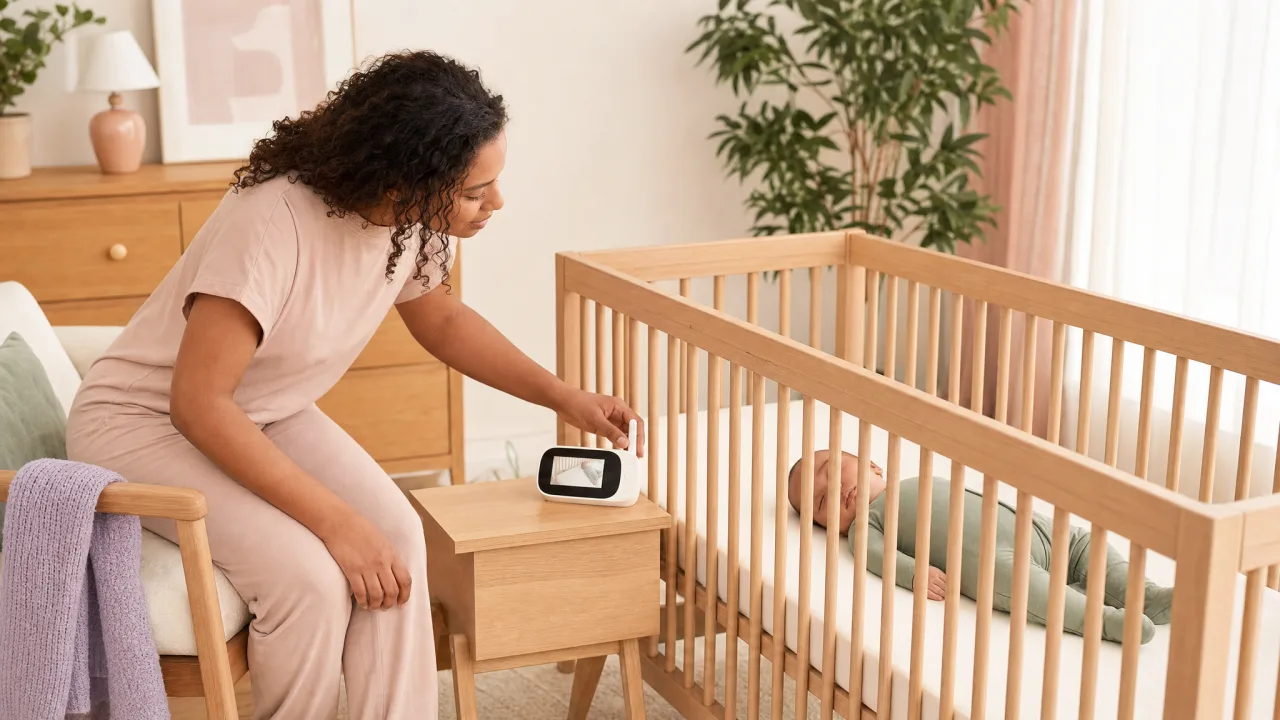
You hear one tiny sound through the wall, freeze in bed, and wonder if you should check the crib or let your baby settle.
The best baby monitor helps you make that call without turning every noise into a full nursery visit. This guide starts with safety, then helps you choose between local video, Wi-Fi, audio-only, hybrid, and wearable-style monitors.
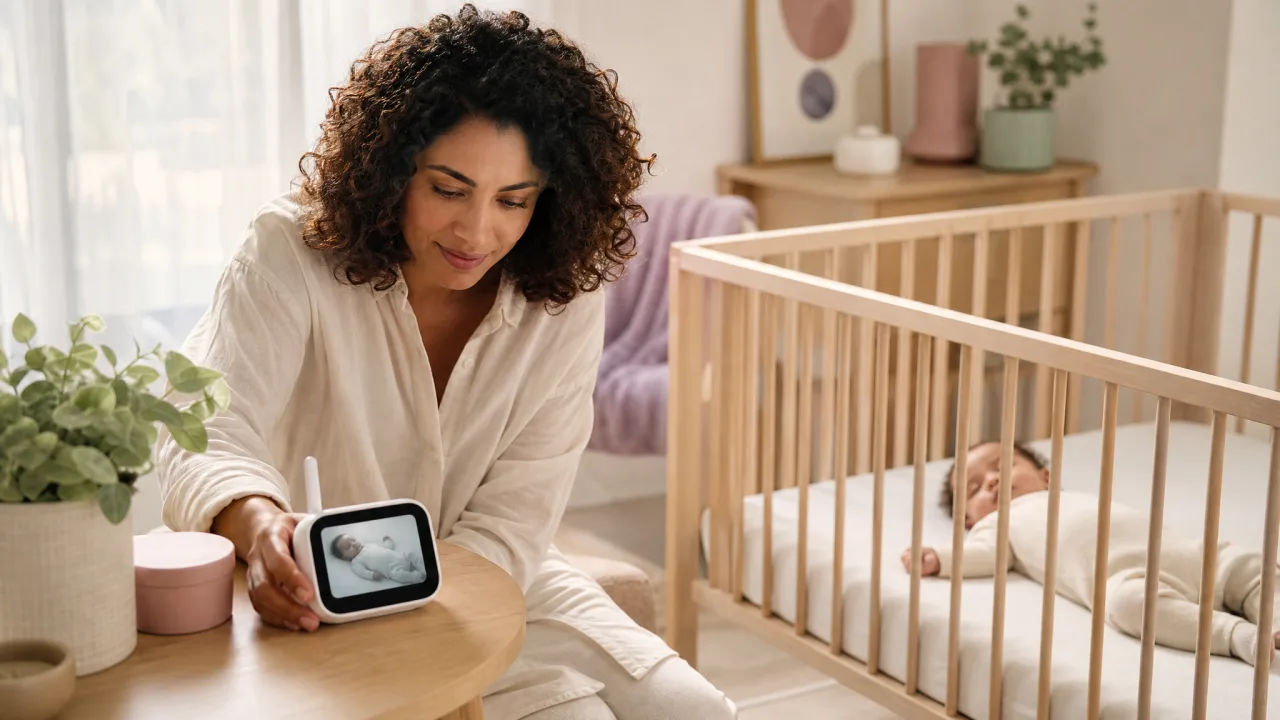
For most parents, the best baby monitor is a local video monitor with a dedicated screen, clear night vision, two-way audio, and safe cord placement. Choose Wi-Fi only if you truly need remote access, and treat vital-sign monitors as alerts, not medical protection.
Key Takeaways
- Best default: A local video monitor with a parent screen gives most families enough visibility without app setup or internet dependence.
- Best for remote access: A Wi-Fi monitor makes sense when another caregiver checks in from outside the home, but privacy settings matter.
- Best low-stress setup: Audio-only works well for small homes, travel, and parents who sleep better without watching every wiggle.
- Safety rule: Keep all cords away from the crib. AAP nursery guidance says strings and cords should not dangle in or near a crib.
- Medical limit: The FDA says baby monitors are not proven to prevent or reduce SIDS, and unauthorized vital-sign monitors should not replace safe sleep or adult supervision.
Quick Chooser
| Your situation | Best monitor type | Why it fits |
|---|---|---|
| You want a simple, private setup | Local video, non-Wi-Fi | Works without internet and keeps video inside the home |
| You need grandparents or a partner to check remotely | Wi-Fi video | App access is useful when caregivers are away |
| You live in a small apartment | Audio-only or compact video | Less screen-watching and fewer features to manage |
| You travel often | Audio-only or non-Wi-Fi travel monitor | Fast setup, fewer passwords, fewer parts |
| You have twins or two rooms | Split-screen video | One parent unit can watch two spaces |
| You feel anxious about sleep | Simple video plus safe sleep routine | Gives visibility without pretending to be a medical device |
Best Baby Monitor Features to Prioritize
The best baby monitor is not the one with the longest feature list. It is the one you can use half-asleep without creating new risks.
Start with reliability. The parent unit should hold charge through the evening, reconnect quickly after a signal drop, and show a clear image in low light. If the screen freezes, the app crashes, or audio cuts out, the monitor stops doing its quiet little job.
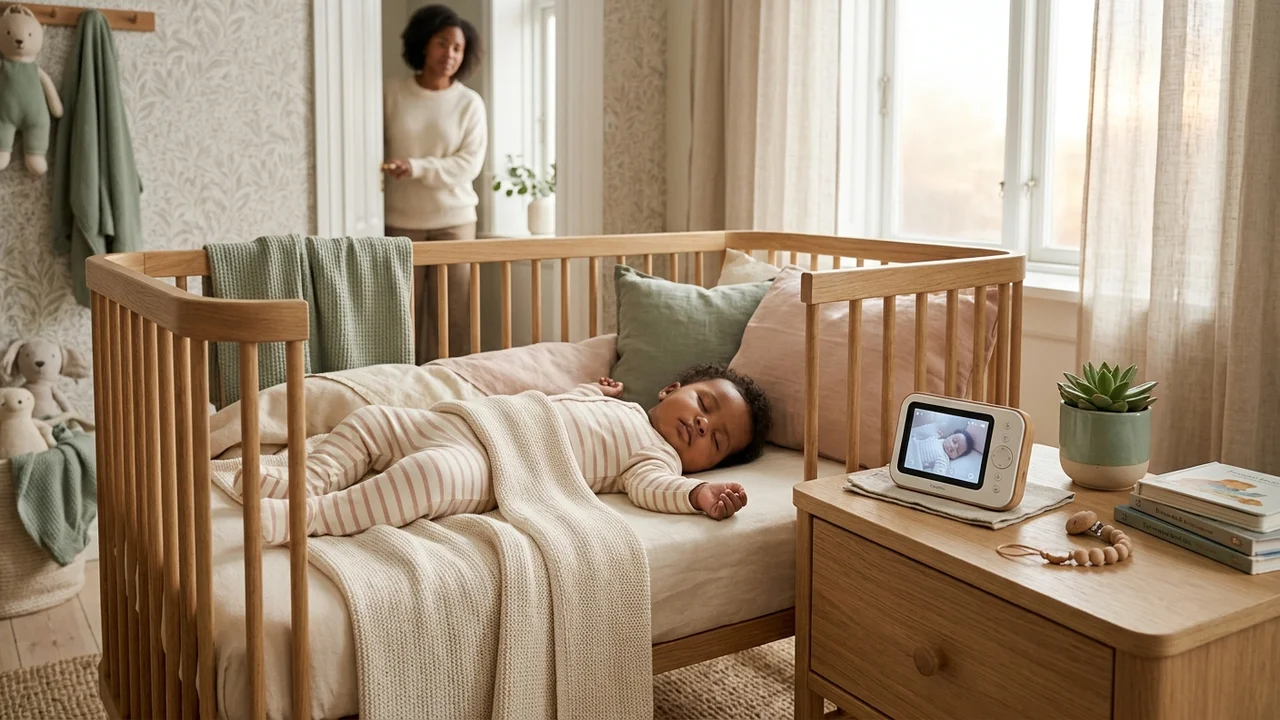
Next, check placement. A monitor with a great camera is a poor choice if the cord must run near the crib. The AAP says cords and strings should not hang in or near a crib.
Then decide how much connection you really need. Some families need Wi-Fi access because one parent works nights, grandparents help, or a caregiver wants to check naps from another room or location. Other families do better with a closed local signal and no app at all.
How to Choose a Baby Monitor That Fits Your Home
There is no single right baby monitor for every home. The practical choice depends on your layout, internet reliability, privacy preference, and how much information helps you versus stresses you out.
If you want one practical default, choose a local video baby monitor with:
- A dedicated parent screen
- Night vision that stays clear in a dark room
- Two-way audio
- Room temperature display
- Split-screen support if you may add a second camera
- Secure mounting options
- Long enough battery life for evening and overnight checks
- A camera cord that can be routed far away from the crib
This type fits most newborn and infant households because it works even when the Wi-Fi is down. It also avoids giving internet access to a camera in your baby's room.
Wi-Fi monitors can still be a good choice. They are strongest when remote access matters, the app is well maintained, and caregivers are willing to use strong passwords, updates, and two-factor authentication where available.
Wi-Fi vs Non-Wi-Fi Baby Monitors
Wi-Fi baby monitors connect through an app. Non-Wi-Fi monitors usually use a local radio signal between the camera and a parent unit.
| Feature | Non-Wi-Fi monitor | Wi-Fi monitor |
|---|---|---|
| Privacy | Video stays local | Depends on app and account security |
| Remote viewing | Usually no | Yes |
| Setup | Usually quick | Requires app, account, network, and updates |
| Internet outage | Often still works | May lose remote features |
| Range | Limited by home layout | Works anywhere with connection |
| Best for | Simple home use | Shared caregiving and remote checks |
Choose non-Wi-Fi if you want fewer moving parts. Choose Wi-Fi if remote access is the point of buying the monitor.
For either type, skip default passwords, install security updates, and turn off features you do not use. A baby monitor is still a camera and microphone in a private room.
Why Avoid Wi-Fi for Baby Monitors?
Some parents avoid Wi-Fi monitors because they do not want nursery video stored, streamed, or accessed through an app account. That concern is reasonable.
Wi-Fi also adds failure points. The router can drop, the app can update at the worst time, another caregiver can forget the password, or the parent phone can be on silent in another room.
That does not make every Wi-Fi monitor a bad choice. It means the privacy and maintenance tradeoffs need to be worth it. If you only need to hear whether your baby is awake while you are downstairs, local video or audio-only is usually calmer.
Baby Monitor Safety Setup
Before comparing specs, set up the sleep space correctly. A monitor should support safe sleep, not replace it.
AAP safe sleep guidance says babies should sleep on their backs on a firm, flat surface, with soft objects and loose bedding kept out of the sleep area. AAP guidance also says room-sharing without bed-sharing for at least the first 6 months may reduce SIDS risk by as much as 50%. CDC guidance follows the same core recommendations.
Use this setup checklist:
- Place the camera outside the crib and out of reach.
- Route every cord behind furniture or through a secured cord cover.
- Keep the crib free from pillows, blankets, bumpers, toys, positioners, and loose fabric.
- Do not mount the camera where it could fall into the crib.
- Recheck the setup when your baby starts rolling, sitting, crawling, or pulling to stand.
- Treat temperature readings as rough guidance, not a medical measurement.
- Keep the monitor away from water, humidifiers, and places where it can overheat.
The safest monitor is boring: stable, visible, out of reach, and not pretending to solve sleep safety on its own.
Which Baby Monitor Type Fits Your Home?
Think in categories rather than chasing a single winner.
Local Video Monitor
This is the best baby monitor type for most families. It gives you a live picture and sound through a parent unit, usually without needing an internet connection.
Look for a clear screen, good night vision, two-way audio, volume control, and a simple charging dock. If you plan to have another baby or monitor two rooms, check whether the parent unit supports multiple cameras.
Wi-Fi Video Monitor
Choose Wi-Fi when remote viewing is genuinely useful. It works well for shift-working parents, travel, shared caregiving, or homes where one caregiver checks naps from outside the house.
The tradeoff is maintenance. Use a strong unique password, update the app, review who has access, and remove old caregiver accounts when they are no longer needed.
Hybrid Monitor
Hybrid models offer a local parent screen plus app access. This can be the best of both worlds if the product does both jobs well.
The local screen handles normal nights. The app handles remote checks. Before buying, check whether local viewing still works when the internet is down.
Audio-Only Monitor
Audio-only is underrated. It is cheaper, easier to pack, and less likely to make you stare at tiny movements that do not need action.
It is a strong fit for small homes, travel, older babies, and parents who know video makes them more anxious.
Wearable or Vital-Sign Monitor
Wearable-style monitors can track movement, pulse, oxygen, or sleep patterns depending on the product. They can be useful for trend awareness, but they need careful expectations.
The FDA has warned against unauthorized infant vital-sign monitors and says infant monitors are not a replacement for adult supervision or safe sleep practices. If your baby has a medical need for monitoring, ask your pediatrician what device and response plan are appropriate.
Why Pediatricians Are Cautious About Wearable Vital-Sign Monitors
Pediatricians are cautious because consumer vital-sign monitors can create false reassurance or unnecessary panic. A number on a phone can feel medical even when the device is not being used as a prescribed medical monitor.
The FDA says unauthorized infant vital-sign devices may give inaccurate readings, miss serious changes, delay care, or lead to unnecessary medical intervention. That is a serious warning, especially for newborn parents who are already tired and alert to every sound.
If you choose a wearable monitor, use it as one layer of awareness. It should not change the safe sleep setup. It should not make bed-sharing, soft bedding, inclined sleepers, or unsafe products feel safer.
Safety-First Buying Framework
Rather than listing affiliate picks, use this framework while shopping.
| Priority | Must-have features | Nice-to-have features |
|---|---|---|
| Safety | Secure mount, cord kept away from crib, stable base | Cord cover included |
| Visibility | Clear night vision, adjustable camera angle | Pan and tilt from parent unit |
| Audio | Reliable sound, adjustable volume | Sound sensitivity settings |
| Range | Works across your home layout | Out-of-range alert |
| Privacy | Local signal or strong app controls | Two-factor authentication |
| Growth | Extra camera support | Split-screen view |
| Stress level | Enough information to act | Fewer alerts if alerts make sleep worse |
If two monitors look similar, choose the simpler one with better placement options. A beautiful camera that only works from the crib rail is not the better choice.
Internal Tools and Next Steps
If your main reason for buying a monitor is sleep confusion, pair it with a simple log. The Babysential Sleep Tracker helps you see wake windows, naps, and night waking patterns without guessing from one rough night.
If you are building a nursery from scratch, use the all tools hub to pair monitor setup with the trackers and planners that fit your baby's stage.
For sleep setup, read our safe sleep baby guide before installing any camera. For the rest of the room, the childproofing home guide is useful once your baby starts moving.
Frequently Asked Questions
What is the best baby monitor for most parents?
For most families, the best baby monitor is a reliable local video monitor with a dedicated screen, clear night vision, two-way audio, and secure placement away from the crib. It gives enough information for normal nights without app setup or internet dependence.
Is a Wi-Fi or non-Wi-Fi baby monitor better?
A non-Wi-Fi monitor is usually simpler and more private. A Wi-Fi monitor is better if caregivers need remote access, but it requires stronger password and app security.
Can a baby monitor prevent SIDS?
No. The FDA says baby monitors and similar baby products are not proven to prevent or reduce SIDS. Safe sleep habits matter more than any monitor.
Where should a baby monitor camera go?
Place the camera where it shows the crib clearly but keeps cords completely out of the crib area and out of reach as the baby grows. Recheck the placement once your baby can roll, crawl, sit, or pull to stand.
Do I need a monitor if my baby sleeps in my room?
Maybe not in the first weeks. AAP and CDC guidance supports room-sharing without bed-sharing for at least the first 6 months. A monitor becomes more useful for naps, evenings, travel, or when your baby moves to a separate room.
This article is for informational purposes only and does not replace professional medical advice. Always consult your pediatrician for guidance specific to your child.
Bottom Line
Choose the monitor that makes your home calmer, not the one that sends the most alerts. For most parents, that means a sturdy local video monitor, safe cord routing, and a clear plan for when you will actually go into the room.
The monitor is the support tool. Safe sleep is the foundation.
Sources:
- American Academy of Pediatrics: How to Keep Your Sleeping Baby Safe
- American Academy of Pediatrics: Make Baby's Room Safe
- CDC: Providing Care for Babies to Sleep Safely
- FDA: Recommendations for Parents/Caregivers About the Use of Baby Products
- FDA: Do Not Use Unauthorized Infant Devices for Monitoring Vital Signs
Helpful Tools
- Sleep Tracker - Track naps, wake windows, and night waking patterns
- All Baby Tools - Browse free tools for pregnancy and baby care