It's three in the morning, you're holding a wide-awake baby, and you're wondering: did she actually sleep at all yesterday? And was it yesterday she suddenly slept two extra hours during the day?
When a sleep-deprived parent brain meets a chaotic schedule, it's impossible to remember what happened two days ago. Babysential's sleep tracker gives you the overview you need, without making things more complicated than they need to be.
Why log your baby's sleep?
Newborns sleep between 14 and 17 hours a day in the first weeks, according to the AAP. But that sleep is spread across the entire day in small chunks. Without a log, it often feels like the baby "never sleeps", even when she actually is sleeping enough.
A sleep log helps you with three things:
- Spot patterns you'd otherwise miss, maybe your baby is always fussy after short naps
- Share concrete information with your pediatrician or doctor
- Feel in control, you can see in black and white that things are actually improving over time
According to AAP and WHO guidelines, sleep difficulties in infants should be tracked systematically. A sleep log is a useful tool to bring to well-child visits.
Getting started
Step 1: Create a profile and add your baby
Go to the sleep tracker and log in with your Babysential account. Add your baby's name and date of birth. The tracker uses your baby's age to automatically adjust recommendations and sleep needs.
Step 2: Log the first sleep session
Tap the big start button when your baby falls asleep. Tap again when she wakes up. It's that simple.
Forgot to start the timer? No problem. You can add sleep sessions manually after the fact. Just enter the start and end time and the tracker does the rest.
Step 3: Check the sleep overview
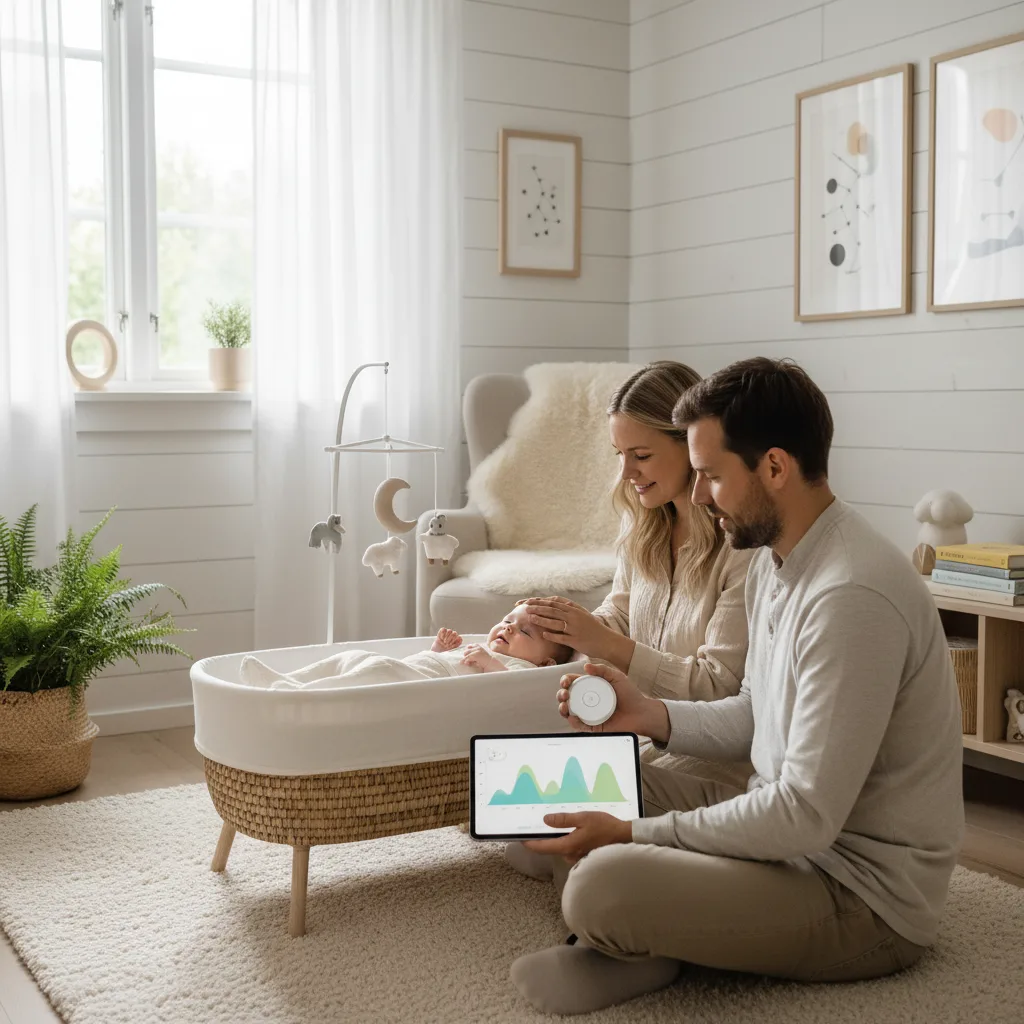
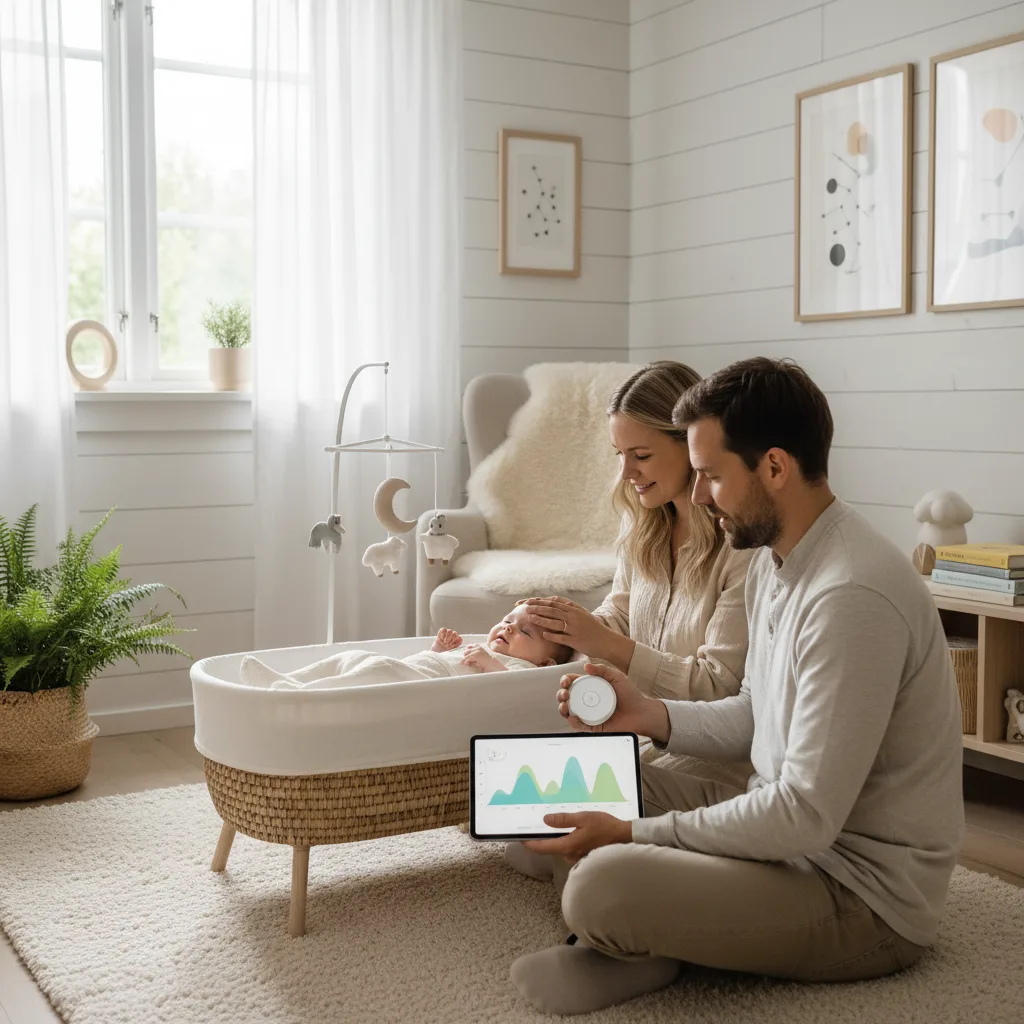
After a few days of logging, patterns start to emerge. The sleep overview shows:
- Total sleep per day, compared to recommendations for your baby's age
- Number of sleep sessions, and average duration
- Sleep pattern over time, can you see a trend toward longer stretches at night?
Step 4: Use wake windows
A wake window is the amount of time your baby can comfortably stay awake between naps. The sleep tracker calculates personalized wake windows based on your logged data. This is invaluable for knowing the right time to put your baby down.
Step 5: Get personalized sleep tips
Based on your baby's age and sleep pattern, the tracker provides tailored tips. A three-week-old newborn gets completely different advice than a six-month-old baby in the middle of a sleep regression.
Try to log consistently for at least one week before drawing conclusions from the patterns. Individual days can vary a lot, it's the trend that matters.
When is the sleep tracker most useful?
The first few weeks: Everything is chaos. A sleep log helps you see that your baby is actually sleeping enough, even when it doesn't feel that way.
The 3–4 month sleep regression: Suddenly your baby is sleeping poorly again. The log shows whether it's a temporary phase or a pattern that needs adjusting.
Transitioning from three to two naps: Around 6–9 months, many babies drop their third daytime nap. The tracker helps you find the right timing.
During illness: When your baby is sick, sleep needs change. The log gives you a reference point for what's normal for your specific baby.
Frequently asked questions
Do I have to log every single sleep session?
No, you don't need to be perfect. Log what you remember and fill in the rest when you have time. Even an incomplete log provides valuable insight. The tracker works best with consistent logging, but it handles gaps just fine.
Can both parents log?
Yes. When you share access to your baby's profile, both parents can log sleep. Perfect for those who share night duty, whoever is up logs it, so the other doesn't have to guess the next day.
What if my baby sleeps "wrong" compared to the recommendations?
Recommendations are averages. Some babies need more sleep, others less. Use the sleep tracker to find what's normal for your baby, not to stress over numbers.
Talk to your pediatrician if you're concerned about the sleep pattern over time.
Tips for better sleep logging
- Set a reminder, build a habit of logging right after your baby falls asleep
- Don't stress about the minutes, approximate times are perfectly fine
- Use the notes, jot down events that might affect sleep (teething, vaccines, illness)
- Share with your partner, two people remember better than one
Combine with other Babysential tools
The sleep tracker becomes even more useful alongside other tools. The growth tracker gives context about development. Check out articles on baby sleep for practical tips when the nights are tough.
Dealing with a sleep regression? Read about your baby's monthly development to understand what's happening.
Ready to get a handle on your baby's sleep? Start the sleep tracker now, it takes under a minute to get going.
Read also: Baby sleep needs by age | Wake windows by age | Understanding sleep patterns
Sources
🔧 Helpful Tools
- Baby Sleep Tracker. Track and optimize your baby's sleep
- All Baby Tools. Browse all free tools for pregnancy and baby care
📖 Related Articles
- Sleep Tracking: Understand Your Baby's Sleep Patterns. How to use sleep tracking to understand your baby's sleep patterns. A practical guide to Babysential's sleep tracker and what the data tells you.
- Sleep Tracking: Understanding Your Baby's Sleep Patterns. How to use sleep tracking to understand your baby's sleep patterns. A practical guide to Babysential's sleep tracker and what the data tells you.