The Short Answer
The most important features in a baby monitor are: clear night vision, reliable two-way audio, stable connection, temperature sensor, and sufficient battery life. Whether you choose an audio-only, video, or smart monitor depends on your budget, home setup, and personal preference, but the fundamentals matter more than advanced features.
Types of Baby Monitors
Audio-Only Monitors
The simplest and most affordable option. Transmits sound only. Best for parents who do not need video and want a longer battery life.
Video Monitors (Dedicated)
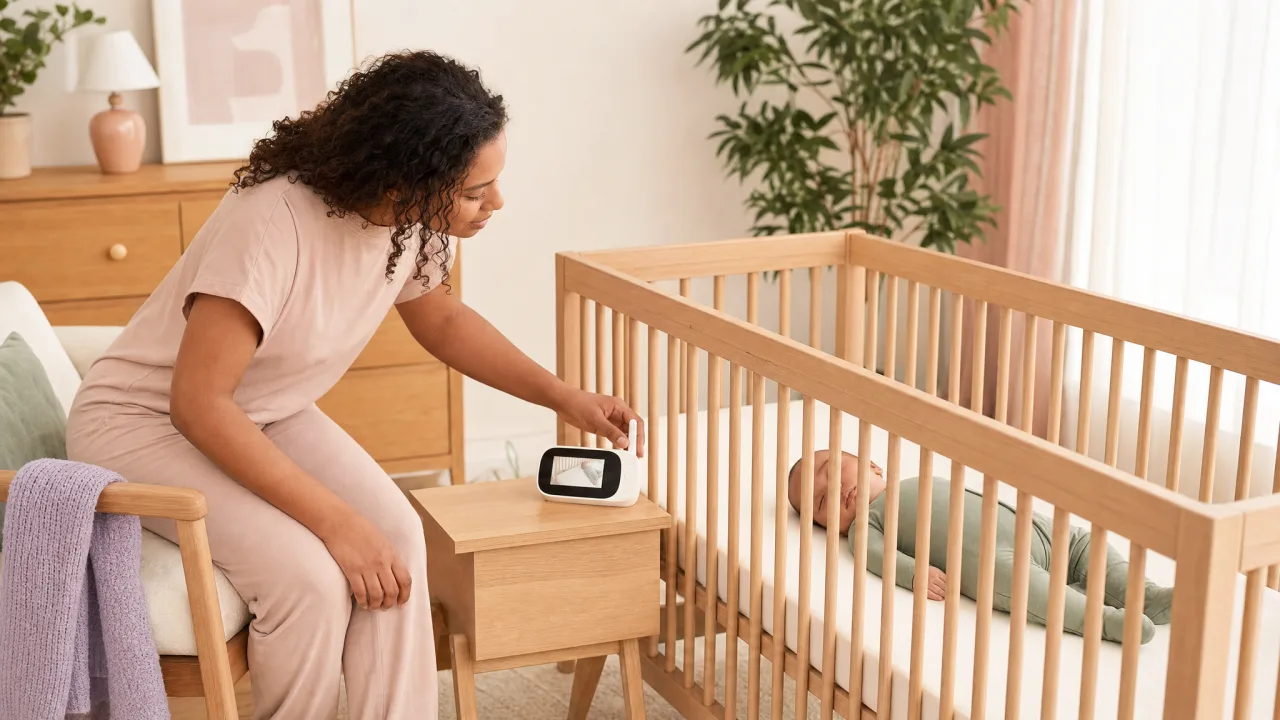
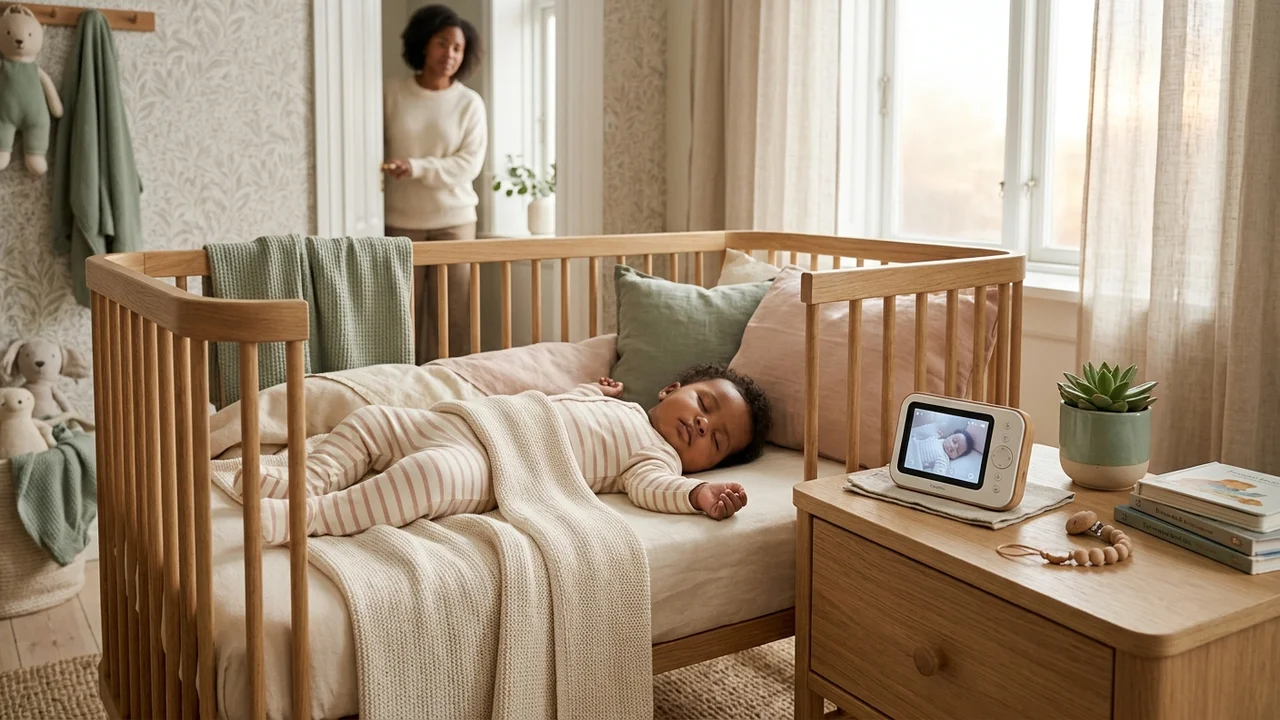
A camera unit in the nursery transmits to a handheld parent unit. No smartphone required, no internet connection. More secure than Wi-Fi monitors. Battery typically lasts 8–12 hours. Most families find this the most reliable option.
Wi-Fi / Smart Monitors
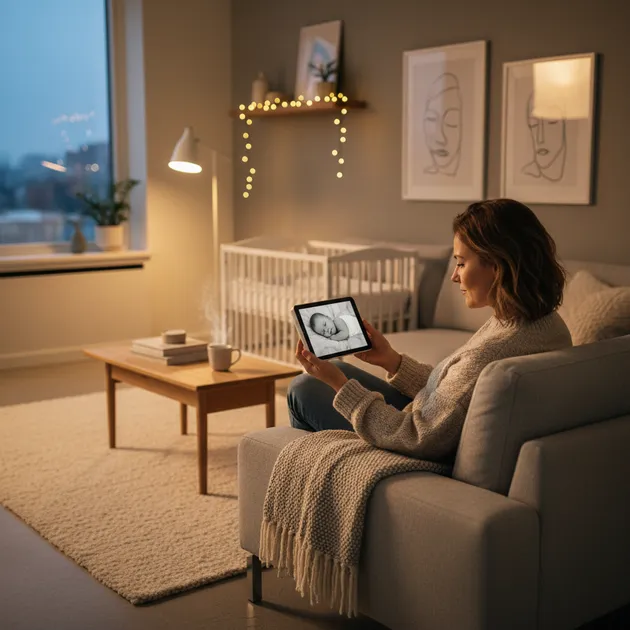
Camera connects to your home Wi-Fi and streams to your smartphone. Allows monitoring from anywhere with internet. Downsides: relies on your Wi-Fi staying stable, and data is transmitted through the cloud (privacy consideration). Premium options (Nanit, Owlet) add breathing/movement tracking.
Wearable Monitors
Attach to baby's ankle or snap to nappy. Track movement and heart rate. Examples: Owlet Smart Sock, Snuza Hero. Important: These devices are not FDA-cleared medical devices for healthy babies and should not replace paediatrician guidance on infant safety.
Essential Features
1. Night Vision
Your baby will spend most of their time sleeping in a dark room. Look for infrared night vision that produces a clear, bright image without lighting up the room. Minimum 720p resolution is adequate; 1080p is better.
2. Two-Way Audio (Talk-Back)
Allows you to speak to your baby through the monitor, soothing them without entering the room. Not all monitors include this. It is particularly useful for settling babies in the 6–12 month range.
3. Temperature Sensor
Room temperature is a key safe sleep factor. The NHS recommends keeping the baby's room at 16–20°C. A monitor with a built-in temperature display eliminates the need for a separate thermometer.
4. Range and Signal Reliability
Dedicated (non-Wi-Fi) monitors typically advertise a range of 300–1000m in open space, but real-world range through walls is much shorter. If your home has thick walls or multiple floors, prioritise monitors with DECT or FHSS technology, which are more stable and more secure than analogue signals.
5. Battery Life (Parent Unit)
Look for at least 8–10 hours of battery life on the parent unit. Some units require constant charging, which limits portability. A parent unit that can be used while charging is ideal.
6. Screen Size (Video Monitors)
For dedicated video monitors, a 3.5-inch screen is the minimum comfortable size for viewing. 5-inch screens are much easier to use, especially at night.
7. Pan, Tilt, and Zoom
A motorised camera that can be remotely panned and tilted from the parent unit allows you to check the whole room without re-positioning the camera. Zoom is useful for checking breathing.
Nice-to-Have Features
- Sound-activated screen: The parent unit screen turns on when sound is detected, saving battery and reducing ambient light in the bedroom.
- Multiple camera support: If you have more than one child or want to cover multiple rooms, check that the system supports additional cameras on the same parent unit.
- Lullabies or white noise: Built-in sounds that can be triggered remotely from the parent unit.
- Split screen: View two camera feeds simultaneously on one parent unit screen.
- Low battery alert: Warns you before the parent unit dies overnight.
Features That Are Mostly Marketing
- "AI breathing monitoring" on consumer-grade devices: Not validated medical monitoring. Can give false reassurance or unnecessary anxiety.
- Extremely long open-field range claims: Real-world range is always shorter.
- "HD 4K" video: 1080p is more than sufficient for a nursery monitor.
Privacy and Security (Wi-Fi Monitors)
Smart monitors connected to the internet have been exploited in the past. To protect your family:
- Use a strong, unique Wi-Fi password
- Keep the monitor's firmware up to date
- Choose brands that use end-to-end encryption
- Disable remote viewing when not needed
What to Buy Based on Your Situation
| Situation | Recommended Type |
|---|---|
| Budget-conscious | Audio-only or basic video monitor |
| Multi-floor home | Dedicated video with strong DECT signal |
| Travel frequently | Wi-Fi smart monitor (access from phone) |
| Twins | Monitor system supporting 2+ cameras |
| Privacy-focused | Dedicated (non-Wi-Fi) video monitor |
Frequently Asked Questions
What is the most important feature to look for in a baby monitor?
The most critical features are clear night vision, reliable signal, and a temperature sensor. Night vision lets you check on your baby in a dark room without disturbing them, and the AAP-recommended sleep temperature of 16–20°C is easiest to monitor via a built-in temperature display on the monitor.
What is the difference between a Wi-Fi monitor and a dedicated monitor?
A dedicated (non-Wi-Fi) monitor uses its own encrypted radio signal between a camera unit and a parent unit, it does not require internet and is generally more secure. A Wi-Fi monitor streams video to your smartphone via your home router and can be accessed remotely, but is dependent on Wi-Fi stability and raises privacy considerations as data passes through the cloud.
Are breathing monitors safe and effective for healthy babies?
Consumer-grade wearable breathing monitors such as the Owlet Smart Sock are not FDA-cleared medical devices for healthy babies and cannot diagnose or prevent SIDS. They can generate false alarms that cause unnecessary parental anxiety. The AAP recommends focusing on safe sleep environment rather than relying on monitoring devices.
How long should a baby monitor's battery last?
Look for at least 8–10 hours of battery life on the parent unit, this covers an average overnight sleep period. Some parent units require constant charging; a unit that works while plugged in is more practical. Models with low-battery alerts are particularly useful for overnight use.
What resolution do I need for a baby monitor camera?
720p provides adequate image quality for a nursery monitor. 1080p is noticeably clearer and better for zoom use. There is no practical benefit to "4K" resolution in a monitor context, a 3.5-inch parent screen cannot display the additional detail, and higher resolutions consume more battery.
How do I keep a Wi-Fi baby monitor secure?
Use a strong, unique password on your Wi-Fi network and on the monitor's app account. Keep the monitor's firmware updated, as manufacturers patch security vulnerabilities regularly. Choose brands that use end-to-end encryption. Disable remote viewing when you are home and no longer need it.
Can one baby monitor cover multiple rooms?
Yes, many dedicated video monitor systems support multiple cameras on a single parent unit, often displayed in a split-screen view. Check this specification before purchasing if you have twins or need to monitor more than one room. Wi-Fi monitors also support multiple camera streams via a smartphone app.
Key Sources
- NHS. Reducing the Risk of Sudden Infant Death Syndrome (SIDS)
- AAP. Safe Sleep
- Which?. Baby Monitor Buying Guide
Sources
- AAP. Safe sleep guidelines for infants
- NICHD. Safe to Sleep campaign. SIDS prevention
- CDC. Infant safe sleep practices
🔧 Helpful Tools
- All Baby Tools. Browse all free tools for pregnancy and baby care
📖 Related Articles
- Baby Monitor: Complete Guide to Choosing the Right One. Everything about baby monitors. Types, features, safety tips, and the most popular models to consider.