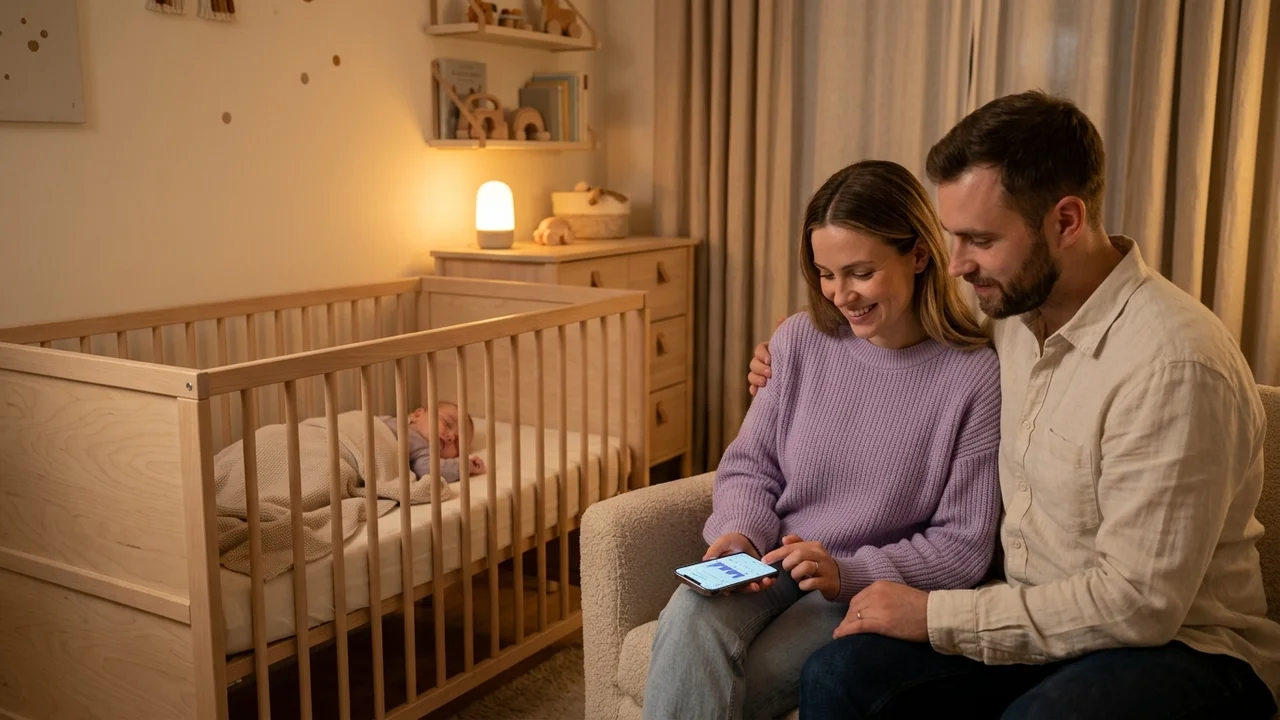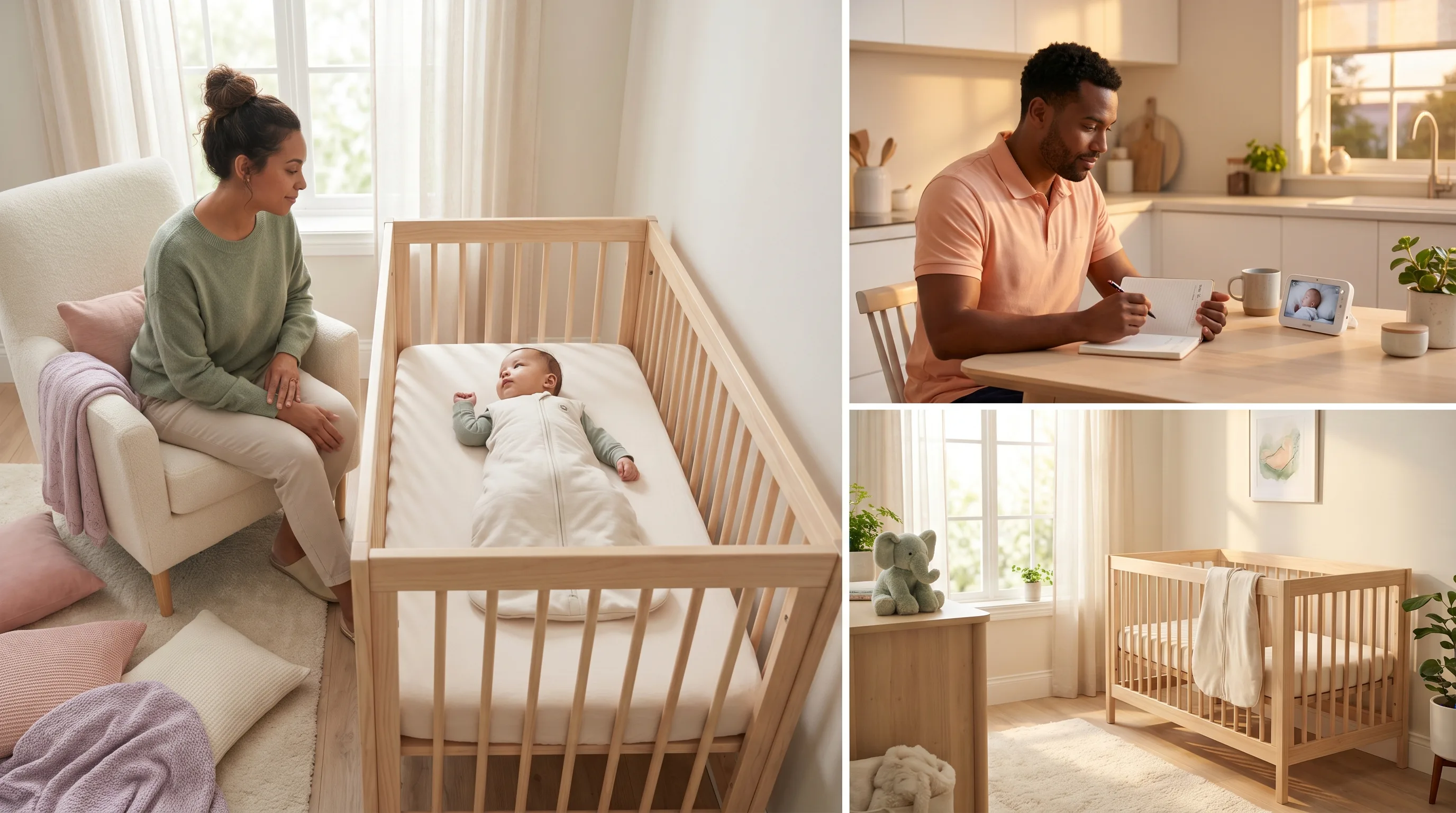
Struggling to understand your baby's sleep patterns? You're not alone.
Sleep training isn't about letting your baby cry. It's about understanding your child, and helping them get better sleep. With the right tools, you can master this together.
What is sleep training, really?
Sleep training means different things to different families. Many approaches focus on closeness, security, and following your baby's natural needs rather than rigid schedules or strict methods.
Good sleep training for infants starts with understanding patterns. When is your baby tired? How long should they be awake? What works for your specific child?
A sleep tracker helps you find those answers, without strict methods or schedules that work against your baby's natural rhythm.
How a smart sleep tracker works
Babysential's sleep tracker is designed to help you log, understand, and improve your baby's, and toddler's, sleep.
Training mode: learning your baby's rhythm
The first 7 days are a learning period. During this time, the tracker builds a picture of your baby's unique sleep pattern.
You simply log:
- When your baby falls asleep
- When they wake up
- How their mood is upon waking
The tracker analyzes this data and builds a profile specific to your baby.
Smart mode: AI-driven insights
After the training period, you unlock Smart mode. You'll get:
- Sleep score, a daily rating based on sleep quality and quantity
- Weekly insights. AI-generated summaries
- Personalized tips, tailored to your baby's age and pattern
- Trend analysis, see how things develop over time
Smart mode learns continuously. The more you use it, the better the predictions become.
Infant sleep: the first months
Newborn sleep is unpredictable. That's completely normal.
A newborn typically sleeps 14–17 hours a day, but rarely more than 2–4 hours at a stretch. A sleep tracker helps you find patterns in the chaos.
With the visual 24-hour clock view, you can see:
- All sleep sessions in a circular display
- Night sleep vs. daytime naps
- Wake window predictions
This gives you clarity even on the most chaotic days.
Sleep training at 1–2 years: when nap schedules shift
Around the first birthday, big changes happen. Many toddlers transition from two naps to one.
Sleep at this stage often involves:
- Finding the right timing for the single nap
- Managing the transition away from the crib
- Establishing good bedtime routines
Many babies thrive with outdoor naps, in a stroller or pram, even in cooler weather. A sleep tracker lets you log outdoor naps the same way as indoor sleep.
The tracker shows your history as bar charts and Gantt-style views, so you can easily compare weeks and see whether routine changes are making a difference.

Why track your baby's sleep?
Many parents wonder if sleep tracking is worth the effort. Here's why it is:
Find patterns When you see the data visually, connections often emerge. Maybe your baby always sleeps poorly after a late bedtime?
Share with your partner Both parents can see the same data. No more disagreements about who handled the night shift.
Follow development Babies' sleep needs change quickly. With a history, you can see how things evolve over weeks and months.
Talk to your pediatrician Concrete data makes conversations with your doctor much easier and more productive.
Sleep tracker vs. other apps
There are many sleep apps out there. Here's what sets a well-designed sleep tracker apart:
| Feature | Good tracker | Many other apps |
|---|---|---|
| AI-driven insights | Yes | Rarely |
| Visual 24-hour clock | Yes | No |
| Free to use | Yes | Often paid |
| Training/learning mode | Yes | No |
| Partner sharing | Yes | Varies |
| Personalized tips by age | Yes | Sometimes |
Getting started
Starting is simple:
- Create a profile, add your baby's name and age
- Log the first sleep session, tap start when your baby falls asleep
- Use the tracker for 7 days, let it learn your baby's pattern
- Unlock Smart mode, access all features and personalized insights
You can log previous sleep sessions manually if you forget to start the timer.
Tips for better baby sleep
Whether or not you use a sleep tracker, here are some foundational tips:
- Follow sleep cues, yawning, eye-rubbing, zoning out
- Have a consistent bedtime routine, bath, book, song, sleep
- Dark room, use blackout curtains
- Right temperature, around 68°F (20°C) is ideal
- Consistent bedtime, the body needs rhythm
With a sleep tracker, you can actually see whether these tips are working for your specific baby.

AI sleep assistant: your personal advisor
Need more support? Babysential also has an AI-powered sleep assistant.
Ask questions and get personalized answers based on your baby's age and situation. It combines sleep research with practical, actionable advice.
Frequently asked questions
How does a baby sleep tracker work?
You start a timer when your baby falls asleep and stop it when they wake up. The app analyzes the data over time. After 7 days, you unlock Smart mode, which gives personalized recommendations based on your baby's rhythm.
When should I start tracking sleep?
You can start from birth, but most parents find the most value from around 2–3 months, when babies begin to develop more predictable sleep patterns. The more data the app has, the better the recommendations.
Does a sleep tracker replace medical advice?
No. A sleep tracker is a tool for understanding your baby's sleep patterns and getting general tips. For persistent sleep problems, snoring, or any concerns about your baby's sleep, always consult your pediatrician or doctor.
Start tracking today
Good sleep for your baby means good sleep for the whole family.
With a sleep tracker, you get back in control. You stop guessing and trying to remember, the app handles the details so you can focus on what matters most: being present for your child.
Ready to start? The sleep tracker is completely free. No hidden costs or paywalls.
Read also: Sleep training baby, what does the research say? | Bedtime routines for baby | Baby sleep needs by age
Read more
- Safe sleep checklist. Make sure your baby's sleep environment is safe
- Sleep Assistant AI, get answers to sleep questions
- Sleep Tracker, get started
Sources
🔧 Helpful Tools
- Baby Sleep Tracker. Track and optimize your baby's sleep
- Soothing Sounds. White noise and soothing sounds to help your baby sleep
- All Baby Tools. Browse all free tools for pregnancy and baby care
📖 Related Articles
- Sleep Training with the Sleep Tracker: Smart Sleep Logging for Your Baby. Learn how Babysential's Sleep Tracker helps you with sleep training and sleep logging for your baby. Get AI-driven insights and better understand your child's sleep patterns.
- The 4-Month Sleep Regression: What It Is and How to Survive It. The 4-month sleep regression is real, permanent, and caused by a neurological change in your baby's sleep cycles. Here's what happens and how to cope.
- How to Help Your Baby Sleep Longer Stretches. Evidence-based strategies to help babies sleep longer, including optimising wake windows, bedtime routines, sleep environment, and gentle self-settling techniques.