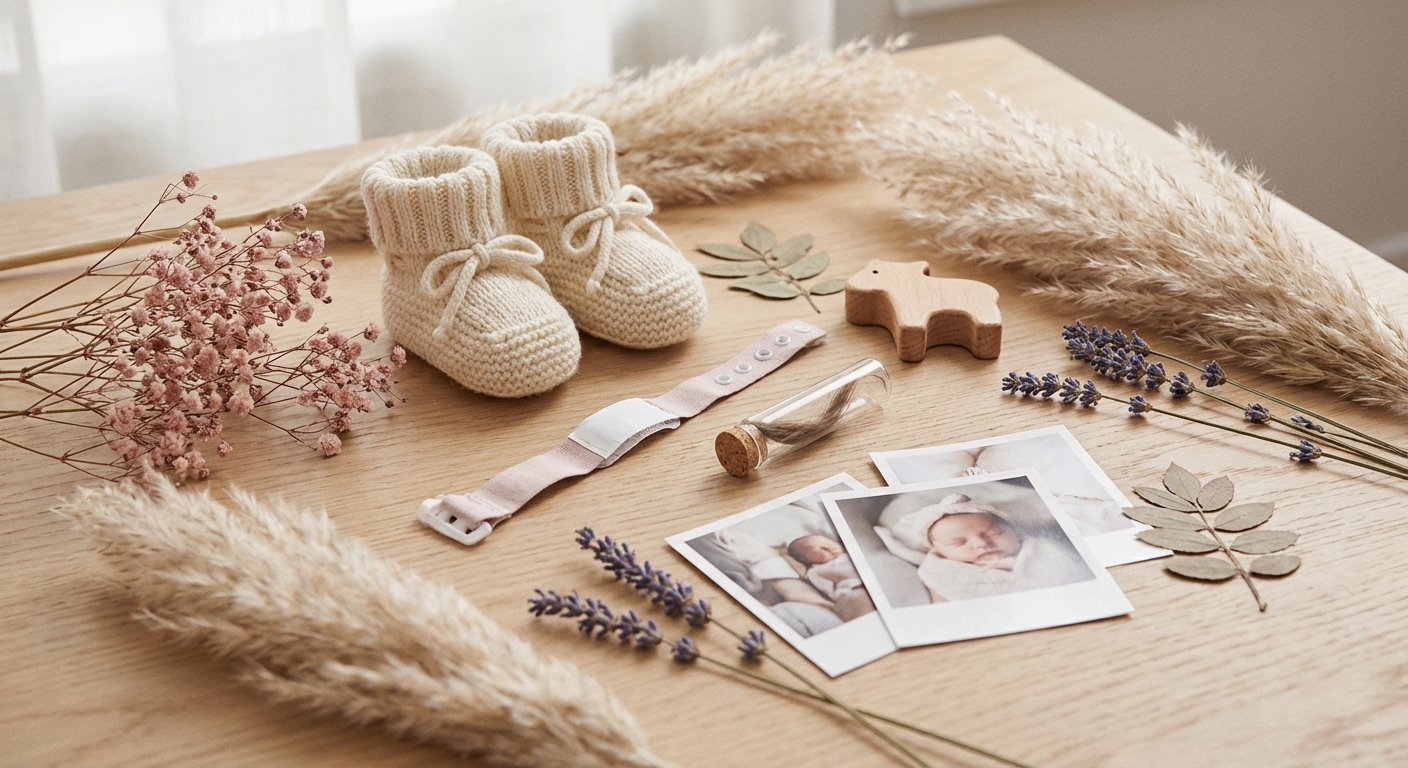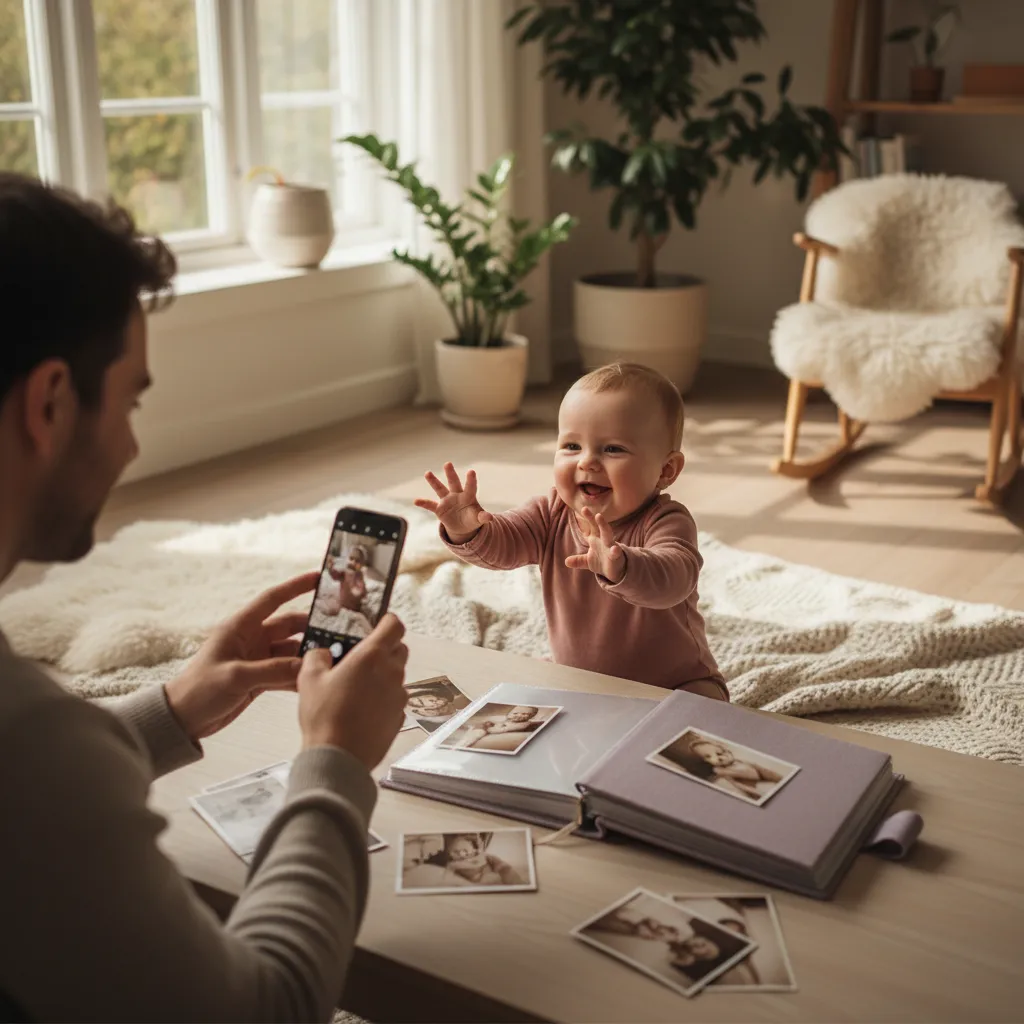
The first smile. The first tooth. The day your baby rolled over all by themselves. These moments slip from memory fast, but they don't have to disappear forever.
A digital memory book lets you collect photos, writing, and milestones in one place. Always accessible, always safe.
Why a Digital Memory Book?
The traditional paper baby book is lovely, but it has some drawbacks. It can be damaged, it's awkward to update, and it's difficult to share with grandparents who live far away.
Advantages of going digital:
- Always with you, you have your phone regardless, and can add memories in seconds
- Searchable, find the photo from the 4-month checkup without flipping through hundreds of pages
- Shareable, give grandparents, aunts, and uncles access to follow along
- Safe, digital copies can be backed up, paper cannot
- Unlimited space, no limit to how many photos and notes you add
A good baby tracking or memory app lets you log photos, milestones, and diary entries right from your phone. Look for one that stores everything securely and lets you export when you want.
What Should You Preserve?
It's tempting to think you should document everything. But realistically, it's about capturing the moments that matter, the big ones and the small ones.
The Major Milestones
- First smile (usually around 6–8 weeks)
- First laugh (3–4 months)
- First tooth (typically 6–10 months)
- Sitting independently (around 6–8 months)
- Crawling (7–10 months)
- First word (around 12 months)
- First steps (9–16 months)
The Small Moments
The big milestones you'll probably remember anyway. The small ones are easier to forget, and often the most beautiful:
- The way the baby reaches for their own toes
- The sounds the baby makes during breakfast
- The serious look when the baby examines a bug
- The first time the baby claps hands
Monthly Updates
Many parents take a photo every month in the early period. Add a short note: what the baby has learned, what daily life looks like, what makes you happy.
Example of a monthly note:
"6 months! You're almost sitting up by yourself now, and you love banging a spoon on the table. Your favorite food is avocado, and you giggle every time Dad hides behind his hands."
It doesn't have to be perfect. A few sentences about everyday life means more than polished writing. Write what you want to remember about exactly this period.
Tips for Great Baby Photos
You don't need an expensive camera. Your phone is more than enough, especially with a few simple tricks.
Natural Light
The best light for baby photos is natural daylight. Place the baby near a window, but avoid direct sunlight. Soft, even light makes the most beautiful photos.
Get Down to Baby Level
The best baby photos are taken at the child's eye level. Lie on the floor, hold the camera at the crib's edge, or place the baby slightly higher up.
Capture the Details
Tiny hands, little toes, sleepy open mouths. Zoom in on the details that make the baby period so special. In a few years those hands will be big, and you'll love looking back.
Include the Everyday
Don't only take photos on special occasions. Bath time, messy mealtimes, cozy sofa reading, these are the photos that show what life was really like.
Let Someone Photograph You with the Baby
It's easy to always be the one behind the camera. Ask your partner, a friend, or grandparents to take photos of you with the baby. Your children will treasure those photos when they're older.
Organizing Your Memories
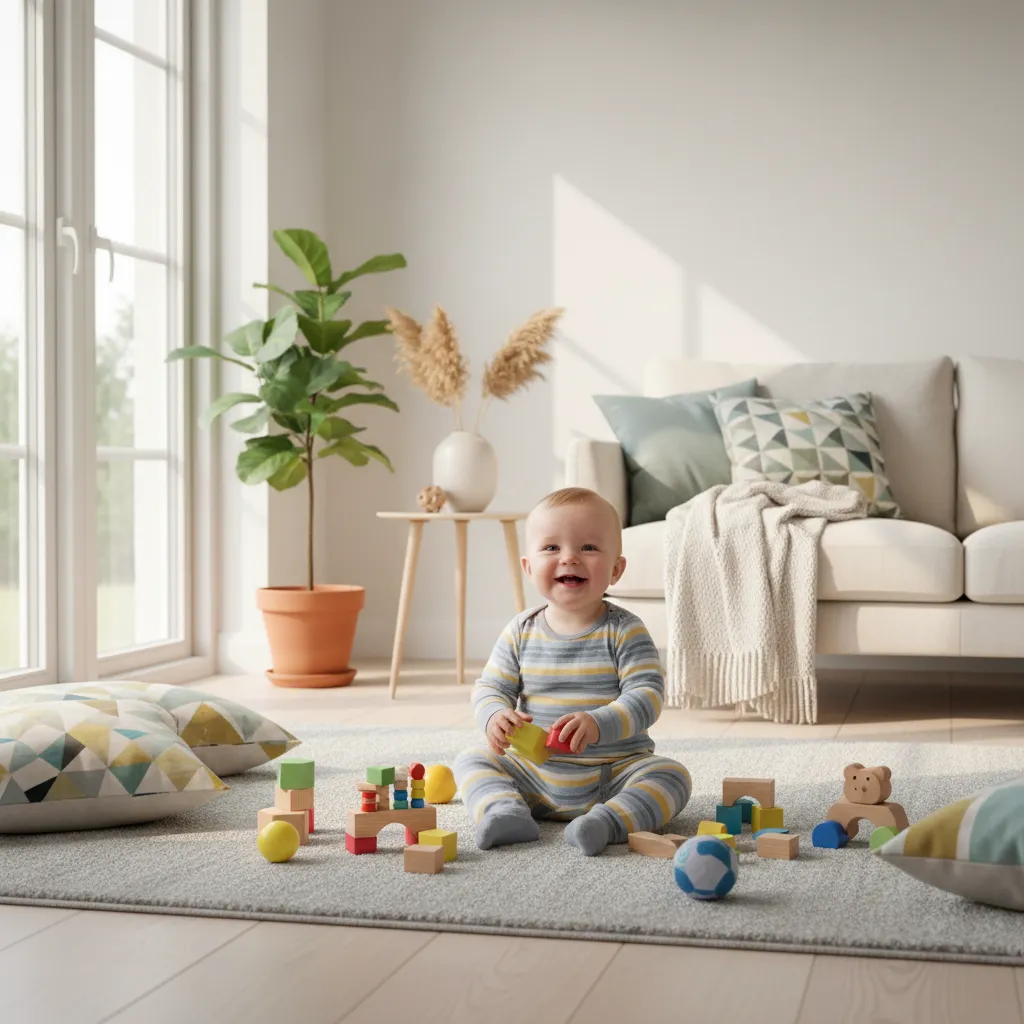
A pile of photos in your camera roll is not a memory book. Organization is what makes memories valuable over time.
Sort by Month
The simplest structure: one folder or album per month. January, February, March, easy to navigate, easy to maintain.
Create Categories
Some people prefer to sort by type:
- Milestones, the big moments
- Everyday magic, the small, lovely times
- Family, photos with grandparents, siblings, friends
- Travel, vacations and trips
- Humor, the funny faces and situations
Using a Baby Memory App
A dedicated baby memory app typically lets you:
- Add photos with date and description
- Link photos to milestones
- Write diary notes
- Share with family members
- Export everything as a compiled book
Combine with Milestones: Many apps let you connect memory entries to milestone tracking. That gives you a complete overview of your baby's development with both photos and text.
Sharing with Family
One of the great advantages of digital memories is that you can share them with grandparents and other family, no matter where they live.
What Can You Share?
- Individual photos with a short note
- Monthly updates with several photos
- Milestones (first tooth, first steps)
- Short video clips
Privacy
Be conscious of what you share and with whom. Not all photos of the baby belong on social media.
Good habits:
- Share in private groups or directly with family
- Ask yourself: would my child approve of this photo in 15 years?
- Avoid photos that are too revealing (bath time, diaper changes)
- Use apps with privacy controls rather than open platforms
Think about your child's privacy. Privacy advocates recommend being conscious of what photos of children you share online. The child cannot consent, and the images remain.
From Digital to Physical
Digital memories are safe and practical. But there is something special about a physical book you can leaf through.
Create a Photo Book
Several services let you create photo books from your phone photos:
- Order printed photo books through various online services
- Create annual summaries, one book per year with the best photos
- Include short captions for each photo
Choose the Best
Don't try to include everything. 30–50 photos per six months makes a wonderful book. Choose photos that tell a story, from the small everyday moments to the big milestones.
Give as a Gift
A photo book of the baby's first year is a perfect gift for grandparents. Personal, full of memories, and something they can look through again and again.
Get Started Today
You don't need to wait until the baby does something special. Start with what you have.
Three things you can do right now:
- Choose a memory app, pick one that feels easy to maintain and has privacy controls
- Upload 3–5 photos from the past week with a short note for each
- Write a diary entry about what life is like right now
In five years you'll thank yourself. Memories fade, but photos and words last.
Frequently Asked Questions
How many photos should I take?
There is no rule. Some take one photo a day, others take photos when something special happens. The most important thing is that you add a short note that explains the moment.
What should I write in the memory book?
Keep it simple. Write what the baby is doing, what's happening in daily life, and how you feel. A few sentences are enough. It doesn't need to be poetic, it should be real.
Should I take video or photos?
Both. Short video clips (10–30 seconds) capture sound and movement that photos can't. Laughter, babbling, and first steps are especially perfect on video.
Can I start even if the baby is already several months old?
It's never too late. Start with the photos you have and add some notes retrospectively. From now on you can update regularly.
Read More
- Sharing Baby Memories Safely. Privacy and family sharing
- What to Write in the Baby Book. Concrete tips and templates
- Letter to Your Baby. Write letters your child will love
Sources
- American Academy of Pediatrics, aap.org
- Common Sense Media, commonsensemedia.org
🔧 Helpful Tools
- Baby Sleep Tracker. Track and optimize your baby's sleep
- Baby Food Guide. Safe foods and introduction schedule for your baby
- All Baby Tools. Browse all free tools for pregnancy and baby care
📖 Related Articles
- 52 Baby Memories from the First Year You Won't Want to Forget. Week by week baby memories to treasure. A complete list of moments to document during your baby's first year.
- A Letter to Your Baby: How to Write One They'll Treasure. Write a letter to your baby that becomes a cherished keepsake. Tips, templates, and inspiration for time capsule letters and birthday letters.
- What to Write in Your Baby Book: A Complete Guide. Struggling with what to write in your baby book? Here are concrete tips, templates, and examples that make it easy to preserve the memories.