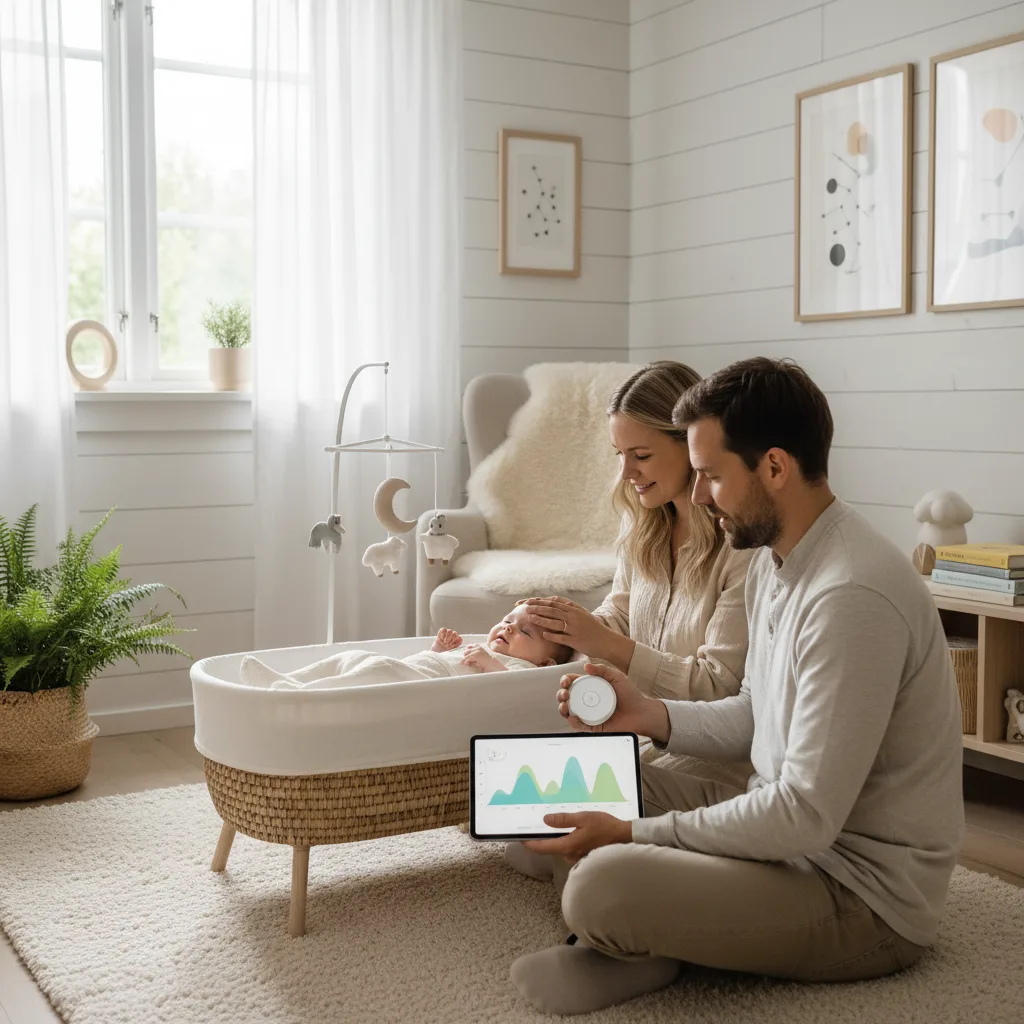
Baby falls asleep at 7 pm, wakes at 10 pm, sleeps again until 1 am, is awake for an hour, then sleeps until 6 am. Was that a good night? A bad night? Or completely normal?
Without data, it's hard to know. And without knowing, it's hard to make changes that actually help.
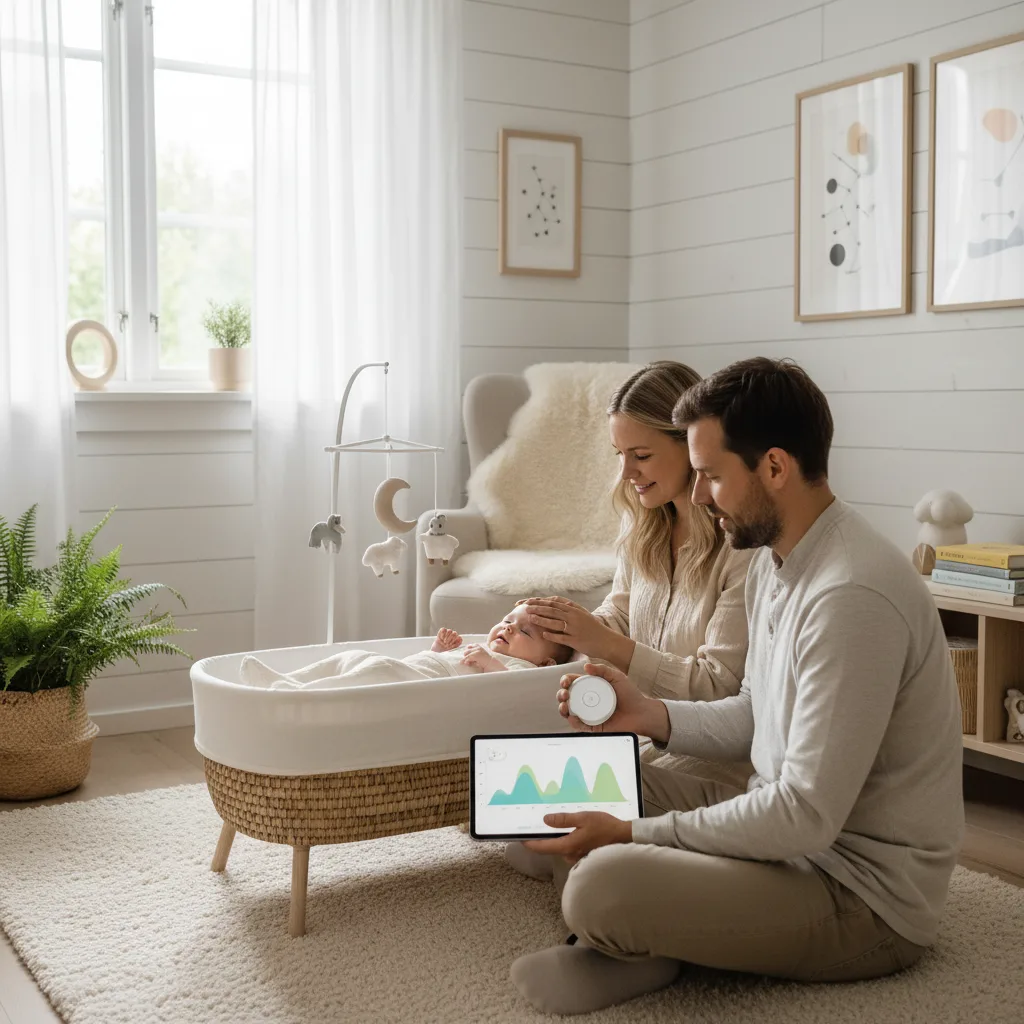
Sleep tracking gives you an overview. Not to obsess over numbers, but to see patterns you'd otherwise miss.
Why Track Sleep?
Sleep tracking isn't a goal in itself. It's a tool that gives you insight into your child's rhythm, and better conditions for helping them sleep well.
Here's what you can learn:
- Sleep patterns over time. Is your child sleeping more or less than a week ago?
- Wake windows. How long is your child awake between naps? Too long or too short?
- Nap transitions. Is baby moving from three naps to two? From two to one?
- Night wake-ups. Are they regular? Do they correlate with feedings?
- What works. Did you change the bedtime routine? Sleep tracking shows whether it made a difference
You don't have to be perfect. Logging some sleep sessions is better than none. Babysential's sleep tracker lets you log after the fact, so you don't have to stand there with your phone at 3 am.
How to Use Babysential's Sleep Tracker
Babysential's sleep tracker is built for parents. Here's a quick walkthrough.
Starting a Sleep Session
- Open the sleep tracker in your browser
- Tap start when baby falls asleep
- Tap stop when baby wakes up
- That's it. The session is logged
Logging After the Fact
Forgot to tap? No problem. You can enter sleep sessions manually with a start and end time. Perfect for nights when you were too tired to think about logging.
Seeing the Patterns
The sleep tracker shows you:
- Daily view, all sleep sessions in one day
- Weekly view, sleep trends across the week
- Total sleep time, how much your child sleeps in a 24-hour period
- Wake windows, the time between naps
Share with your partner. Both parents can log sleep via Babysential. That means the parent who puts baby down in the evening and the one who handles night duty both contribute to a complete picture.
What's Normal? Sleep Needs by Age
Babies sleep a lot, but it varies enormously from child to child. Here are average guidelines:
| Age | Total sleep per day | Naps | Wake window |
|---|---|---|---|
| 0–3 months | 14–17 hours | 4–5+ | 45–90 min |
| 3–6 months | 12–16 hours | 3–4 | 1.5–2.5 hours |
| 6–9 months | 12–15 hours | 2–3 | 2–3 hours |
| 9–12 months | 12–14 hours | 2 | 2.5–3.5 hours |
| 12–18 months | 11–14 hours | 1–2 | 3–5 hours |
| 18–36 months | 11–13 hours | 0–1 | 4–6 hours |
These numbers are averages. Your child can fall outside of them without it being cause for concern.
Sleep needs vary. Some babies sleep 13 hours a day, others need 16. Compare your child to themselves over time, not to the baby next door. If your child seems rested and content, the amount of sleep is probably fine.
Wake Windows: The Key to Good Naps
Wake windows, the time your child is awake between sleep sessions, are perhaps the most useful information sleep tracking gives you.
Why Wake Windows Matter
- Too short a wake window: Baby isn't tired enough and fights sleep
- Too long a wake window: Baby becomes overtired, and it becomes harder to fall asleep
- The right wake window: Baby shows sleep cues and settles calmly
Read our detailed guide on wake windows for baby for age-specific recommendations.
How to Use Sleep Tracking to Find the Right Wake Window
- Log for a few days without changing anything
- Look at the good naps, how long was baby awake before the naps where they fell asleep easily?
- Compare to the difficult naps, was the wake window longer or shorter?
- Adjust gradually, try putting baby down when they've been awake approximately as long as before the good naps
Common Patterns and What They Mean
Sleep tracking can reveal patterns you can't see through the daily haze.
Early Morning Wake-Ups
Child consistently waking before 6:00 am? Check:
- Is bedtime too early? Try pushing it 15 minutes later
- Is the last nap too late? Cut it or move it earlier
- Is the room too bright? Blackout curtains can help
- Is baby hungry? Maybe the evening meal needs to be more filling
Short Naps (Under 30 Minutes)
Common under 6 months. After 6 months it may mean:
- Wake window is too short or too long
- Environmental disturbances (noise, light)
- A nap transition phase (3→2 or 2→1 naps)
Many Night Wake-Ups
Sleep tracking shows whether wake-ups are regular (can indicate a habit) or irregular (can indicate discomfort, hunger, or a developmental phase).
Nap Transitions
Sleep tracking helps you see when baby is ready to drop a nap:
- Baby takes a long time to fall asleep for a nap
- Naps become shorter
- Baby refuses a nap entirely but is in a good mood
- Night sleep improves when a nap is dropped
When You Should NOT Stress Over the Data
Sleep tracking has a downside: it can amplify worry. Here are some reminders:
- Sleep regression is normal. Around 4, 8, and 12 months the sleep pattern changes temporarily. Don't panic
- Single days mean little. Look at weekly trends, not one bad night
- Your child is not a machine. Teething, illness, developmental leaps, and transition periods affect sleep
- Stop comparing. The neighbor's baby who "sleeps through the night" almost certainly has a different definition of "through the night"
Put the app away for a few days. Feeling like sleep tracking is stressing you out more than helping? Set it aside for a week. Sometimes it's more valuable to simply follow baby's cues without thinking about numbers.
Connect Sleep to Other Factors
Sleep tracking becomes especially useful when you connect it to other things you're logging in Babysential:
- Feeding, does baby sleep better after larger meals? Use the feeding tool to keep track
- Milestones, does poor sleep coincide with developmental leaps? Check milestones
- Activity, does baby sleep better after active days outdoors?
Frequently Asked Questions
Do I have to log every single sleep session?
No. Log what you remember. Even an incomplete log is better than none. Focus on night sleep and the naps you're unsure about.
When should I contact a doctor about sleep?
If your child seems constantly tired, irritable, or has significantly fewer sleep hours than recommended over several weeks. Bring the sleep log to your pediatrician, it makes the conversation more concrete.
Can sleep tracking help with sleep training?
Yes. Sleep tracking shows the effect of changes you make. If you try a new bedtime routine, you can see whether night wake-ups change over a week or two.
What is the difference between active and quiet sleep?
Babies alternate between active sleep (REM, you can see eye movements, grimacing, sounds) and quiet sleep (deep sleep). Active sleep is not the same as being awake. Wait a moment before picking up baby, they may fall back asleep on their own.
How long should I track sleep?
As long as it's useful to you. Many parents track actively from 0–12 months and taper off after that. Others use it throughout the toddler years, especially during nap transitions.
Knowledge Brings Calm
Sleep tracking isn't about control. It's about understanding your child better. When you see the patterns, you stop guessing. And when you stop guessing, you stop stressing.
Try Babysential's sleep tracker today. It's free, simple to use, and gives you the insight you need to help the whole family sleep better.
Read More
- Sleep Tracker: How to Use It
- Sleep Routines for Baby
- Wake Windows for Baby. Guide
- Sleep Cues: How to Read Your Baby's Signs
- Sleep Tracker
- For New Parents
Sources
- American Academy of Pediatrics. "Healthy Sleep Habits." healthychildren.org
- WHO. "Sleep." who.int
- American Academy of Sleep Medicine. "Recommended Amount of Sleep for Pediatric Populations." 2016.
🔧 Helpful Tools
- Baby Sleep Tracker. Track and optimize your baby's sleep
- All Baby Tools. Browse all free tools for pregnancy and baby care
📖 Related Articles
- Sleep Tracking: Understanding Your Baby's Sleep Patterns. How to use sleep tracking to understand your baby's sleep patterns. A practical guide to Babysential's sleep tracker and what the data tells you.
- How to Use the Babysential Sleep Tracker. A complete guide to Babysential's free sleep tracker. Log sleep sessions, identify patterns, and get personalized tips for better baby sleep.
- Sleep Training with the Sleep Tracker: Smart Sleep Logging for Your Baby. Learn how Babysential's Sleep Tracker helps you with sleep training and sleep logging for your baby. Get AI-driven insights and better understand your child's sleep patterns.